· Levente Csikor · Behind the Scenes · 7 min read
From Zero to Sovereign: How I Built the Tradleware Website in a Day with AI
A behind-the-scenes look at how the entire Tradleware marketing site was designed, spec'd, and built in a single day — with GitHub Copilot doing most of the heavy lifting.
When you’re a solo developer building an open-source trading middleware during your weekends dedicating your free time for something you are passionate about, the last thing on your list is spending weeks crafting a marketing website. But the project still needs a home — a place that explains what it does, why it’s different, and how to get started. So instead, I handed the whole thing to an AI and watched it happen in real time.
This is the story of how the Tradleware website went from a blank repo to a fully working, dark-cyberpunk landing page with three comprehensive tutorial pages — in roughly one day.
The Starting Point: A Template and a Spec
The first decision was picking a framework. AstroWind stood out immediately: it’s an open-source Astro v5 + Tailwind starter with a rich set of pre-built components (Hero, Features, Content, Pricing, Steps, Footer) and it ships with View Transitions, dark mode, and a clean component architecture out of the box. No vendor lock-in, no monthly fees — perfectly on-brand for a project called Tradleware.
But before a single line of code was written, the real work happened in a markdown file.
The contents.md Brief
I created .github/contents.md as a structured content spec — a document that the AI could read like a brief. It wasn’t code. It wasn’t a prompt. It was the actual copy and structure of the site, written section by section:
# Hero
[template: hero]
[Image: hero_v4.jpg]
## Headline
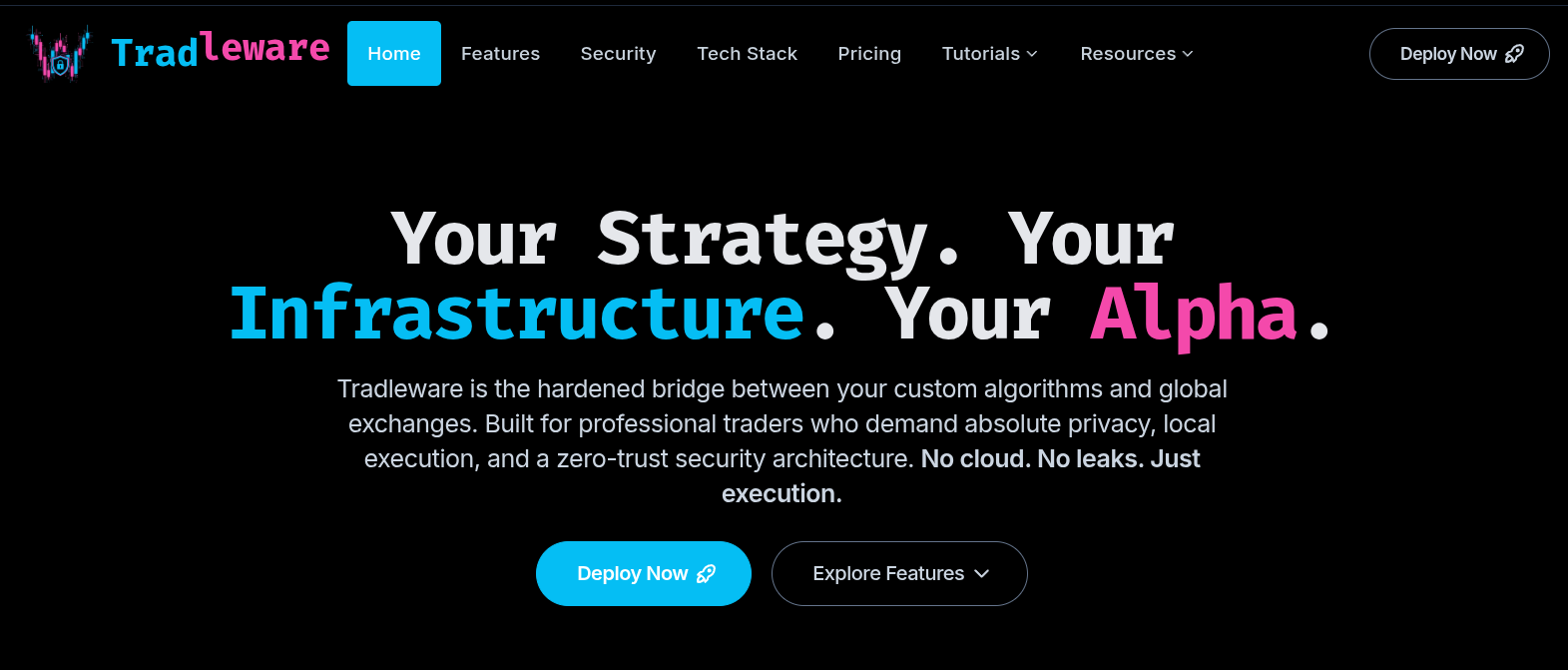
Your Strategy. Your Infrastructure. Your Alpha.
## Sub-headline
Tradleware is the hardened bridge between your custom algorithms and
global exchanges. Built for professional traders who demand absolute
privacy, local execution, and a zero-trust security architecture.
No cloud. No leaks. Just execution.

---

# Key functionalities
[template: features]
## Headline
Hardened Logic for Sovereign Traders
...
Each section was tagged with the AstroWind component it should map to: [template: hero], [template: features], [template: z-pattern], [template: pricing], [template: process / timeline]. This gave the AI a clear 1:1 mapping between content intent and component.
The file also lived alongside a detailed copilot-instructions.md in .github/ — a companion document that described the brand identity (neon cyan rgb(5 190 244), neon magenta rgb(244 73 171), space black), the tone of voice (technically precise, anti-SaaS), and the full content strategy.
The Agent Prompt
With the spec ready, I wrote implement_astrowind.md — a concrete task description for the coding agent. It told the agent to:
- Pull the AstroWind component API from the source repository
- Map each
[template: ...]tag to the correct.astrocomponent - Use the exact copy from
contents.mdwithout paraphrasing - Fall back to
logo_v5.pngfor any missing images - Wire up all the branding (colors, fonts, favicon) from the theme config
Then I opened GitHub Copilot in agent mode and let it run.
What the AI Did
This is where it gets interesting. The agent didn’t just paste content into templates — it made real architectural decisions:
Dark-cyberpunk theme wiring
AstroWind’s src/config.yaml controls the primary and secondary color tokens used across every component. The agent set these to the neon cyan/magenta values and wired src/assets/styles/tailwind.css to import the right font stack (Inter for body, a monospace feel for technical sections).
index.astro — The full landing page
The agent assembled src/pages/index.astro by composing AstroWind widgets in sequence: Hero → Features → Content (×4 in Z-pattern for the security and tech stack sections) → Pricing → Steps → CallToAction. Each widget received the exact props mapped from the content spec, including icon names from the tabler: icon set.
For the Pricing section specifically, the standard AstroWind Pricing.astro component didn’t support a custom image or icon in the card header — it only showed a plain title. So the agent extended the Price interface in src/types.d.ts with image?: string and headerIcon?: string fields, then modified Pricing.astro to render them. The Tradleware card now displays logo_v5.png in the header; the “Corporate SaaS” card shows a tabler:building-bank icon.
Tutorial system from scratch
The tutorials were the most substantial piece of work. The agent built a custom TutorialLayout.astro — a two-column layout with a sticky table-of-contents sidebar that auto-builds itself from the <h2> and <h3> tags in the page. H2 entries get a permanent neon cyan pill. The active H3 gets a pink pill. Everything else fades out.
There was one non-obvious problem: AstroWind uses Astro’s View Transitions (ClientRouter), which means the browser doesn’t fire a full DOMContentLoaded event when navigating between pages. A vanilla DOMContentLoaded listener would leave the ToC blank on any page that wasn’t the first load. The fix was to fire the ToC build script on both DOMContentLoaded and the astro:page-load event, with a toc.innerHTML = '' reset guard to prevent duplicate entries.
Another edge case: Tailwind’s build-time purge removes any CSS class that isn’t referenced in a static file. Dynamic class names assembled at runtime — like bg-cyan-500/25 built from a string — simply don’t exist in the production bundle. The solution was to use element.style.cssText with literal rgb() values instead of Tailwind class names for all the dynamically applied ToC styles.
The three tutorial pages (exchange-subaccounts.mdx, setup-tradleware.mdx, tradingview-webhooks.mdx) were written directly from the main Tradleware README and IBKR_SETUP.md — real documentation, not invented content. The setup tutorial alone covers cloning the repo, configuring .env, setting up crypto bot YAML files, the four-part IBKR gateway flow, launching the stack, accessing the dashboard, and testing a webhook payload. It also includes a full Gotify section with a docker-compose.gotify.yml snippet and mobile app store badges.
Navigation and footer restructure
The default AstroWind navigation.ts uses a flat array. The agent refactored it into Tradleware’s structure: six header items (Home, Features, Security, Tech Stack, Pricing, and a Tutorials dropdown), plus a four-column footer with a titleHref property for linked column headers.
That last bit required extending the Links interface in Footer.astro — another component-level type extension the agent handled without prompting.
What I Had to Do Manually
To be fair, not everything was hands-free. Here’s what required human intervention:
Images. The AI couldn’t generate or source images. I had to produce all the renders —
hero_v4.png,section_1.pngthroughsection_6.png,tradleware_pi_only.png,mobile_view_2.png,webhook_details_bot_card.png— and place them in theimages/source directory. The agent then copied the right ones intoastrowind/src/assets/images/orastrowind/public/images/as needed.Exchange logos. I sourced and dropped the OKX, Crypto.com, Independent Reserve, and IBKR logos into
images/crypto_exchanges/andimages/stock_exchanges/.The
webhook_details_bot_card.pngscreenshot. This is a real screenshot of the Tradleware dashboard’s bot card. I took it, dropped it inimages/, and told the agent to use it in the TradingView webhooks tutorial.Content review. The agent followed the spec faithfully, but I reviewed every section for accuracy — especially the tutorial steps, which required matching the exact CLI flags and YAML field names from the Tradleware codebase.
Minor tweaks. One heading typo in the hero (“Infrastrcutre” in the original brief), some copy adjustments for tone, and a couple of padding decisions on the two-column tutorial layout.
The Result
Seven pages. Seven commits. One day.
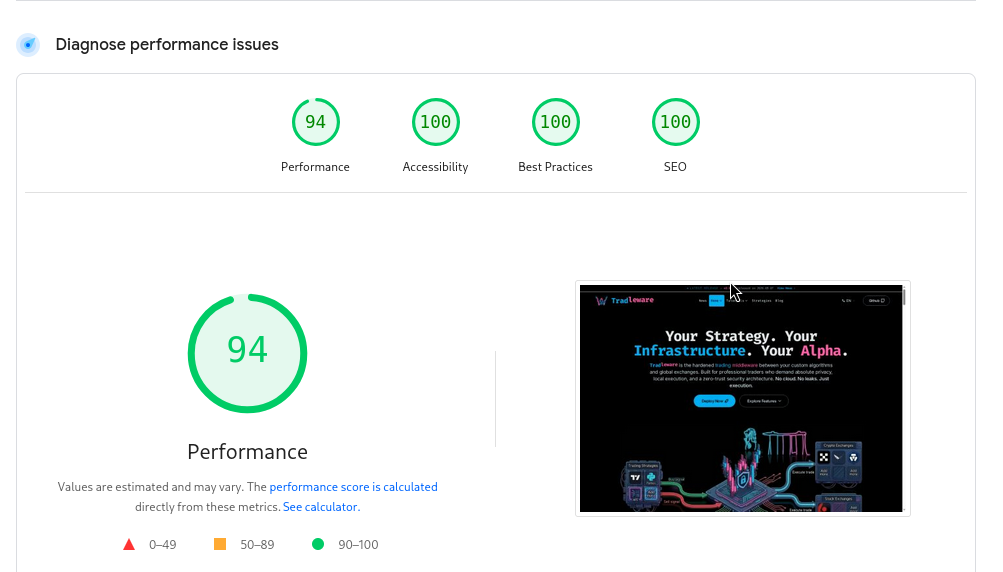
The live site covers everything a potential Tradleware user needs: the value proposition, the technical credibility, the “free forever” anti-SaaS positioning, and a clear path from “I just found this” to “I have a running bot on my Raspberry Pi.” All of it static, all of it fast, all of it self-hosted-ready.
The AI wrote probably 90% of the code. But the 10% I contributed — the content brief, the brand spec, the images, the real documentation as source material — was the 10% that made it coherent and accurate instead of generic.
That’s the actual workflow: spec first, prompt second, review always.